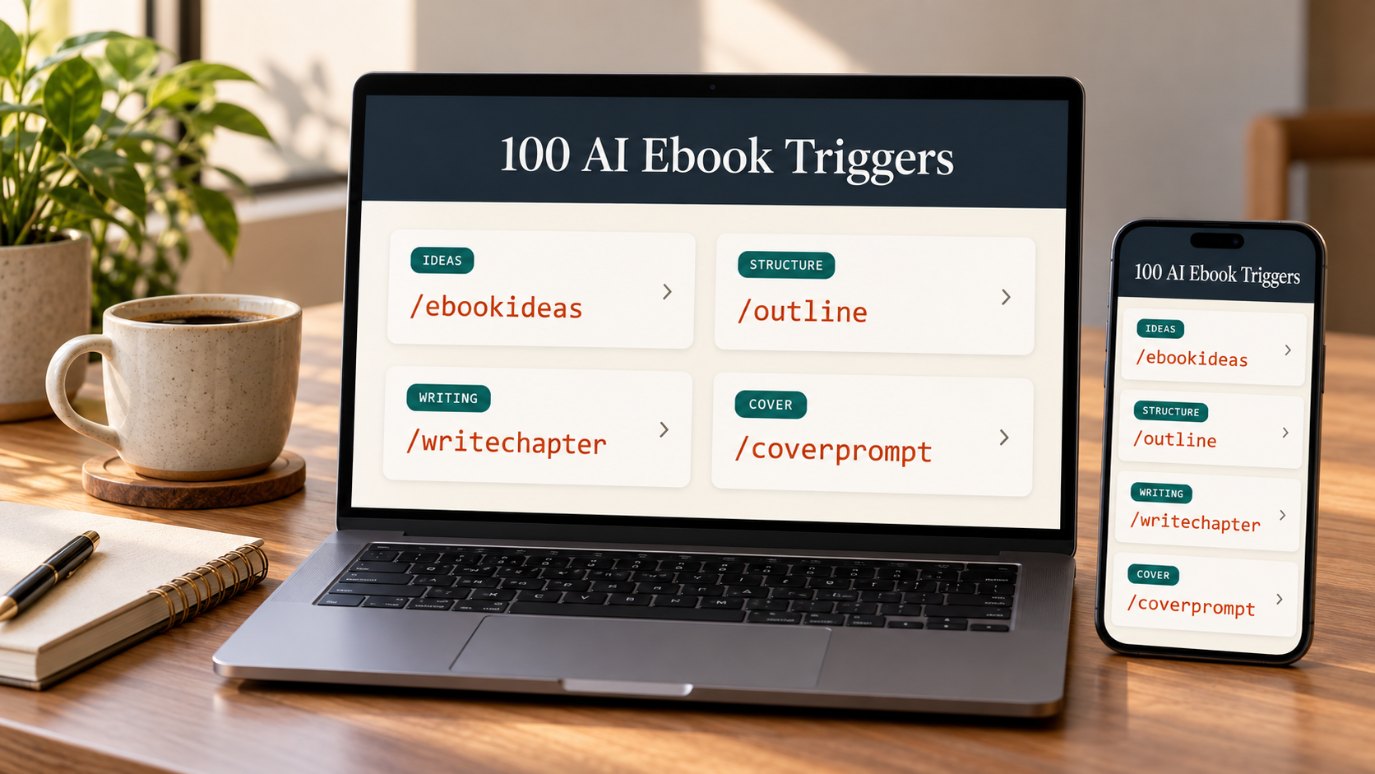
Attention: anyone who has ever started an ebook and never finished it…
100 ready-to-use AI “triggers” that walk ChatGPT, Claude, or Gemini through every step of making an ebook — from the first idea to the final cover — without writing a single complicated prompt.
One-time payment • Instant access • 14-day money-back guarantee

It usually goes like this. You have a great idea. You open ChatGPT. You type something like:
And you get… something. A generic, surface-level wall of text that sounds like every other article on the internet. So you try again. And again. You rewrite your request, you explain more, you copy bits from different chats…
A week later the ebook is still sitting in a folder called “someday.”
Here is the truth most people miss: the problem isn’t the AI. It’s the instruction.
AI is incredibly good at writing — when it knows exactly which job you want done, who the reader is, and what the finished piece should look like. Without that, it has to guess. And guesses produce generic content.
A trigger is a short, memorable slash command — like /outline or /writechapter — that tells the AI exactly which ebook task to perform. You add a few details about your topic and reader, paste it into your AI assistant, and get a focused result in seconds.
Same topic. Same AI. Different instruction.
/outline ebook: The Email List Blueprint; reader: new bloggers and creators with zero subscribers; promise: first 100 subscribers with a simple weekly routine; length: 30 pages; give 7 chapters with 3 sub-points eachExample output for illustration. Your results depend on the details you provide and the AI you use.
Then you run /writechapter for each chapter, /humanize to make it sound like you, /checklist to create a bonus, and /coverprompt to design the cover. Step by step, the ebook gets finished.
Introducing
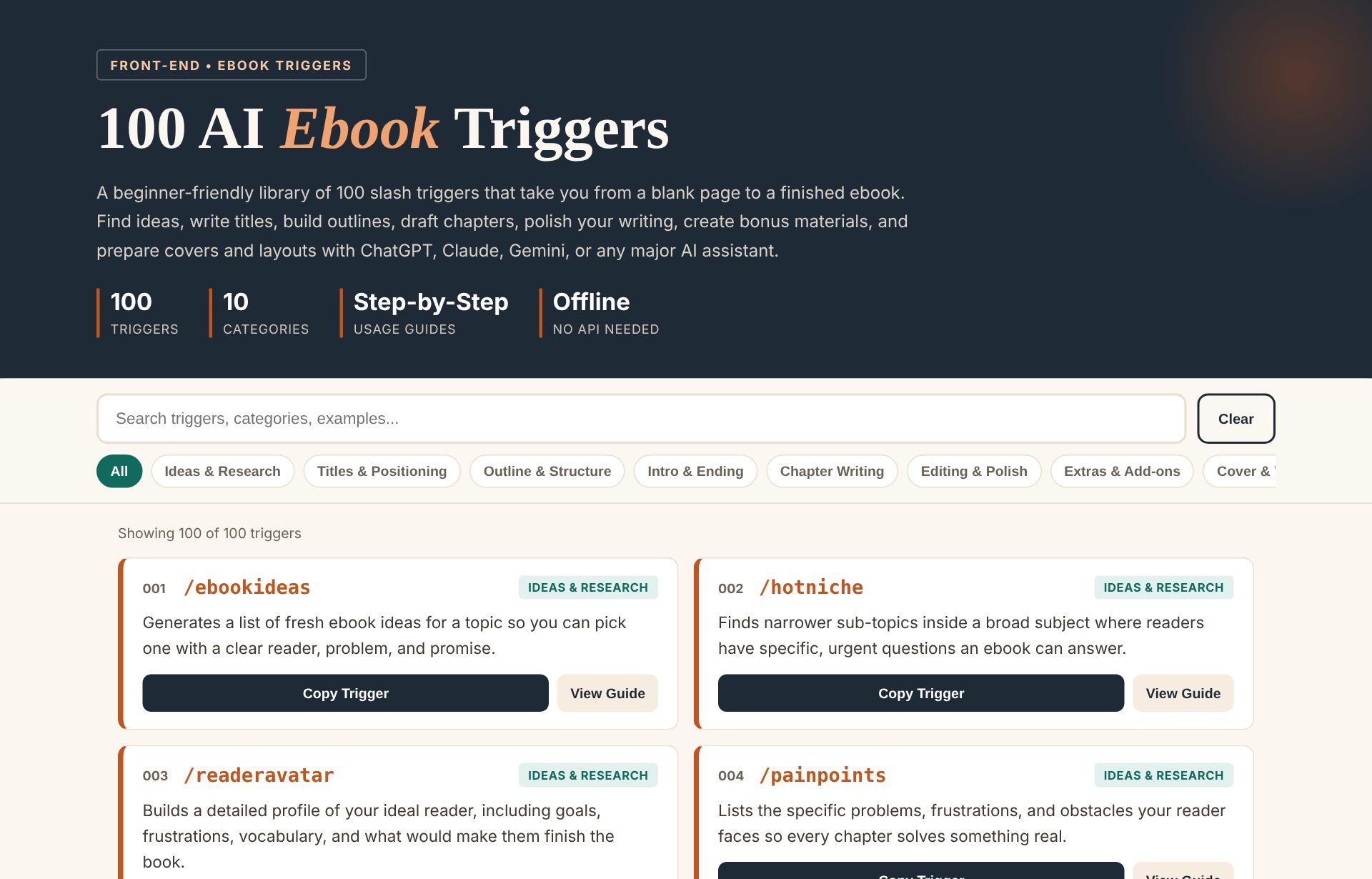
A complete, searchable library of 100 triggers covering every step of creating an ebook — each one with a clear purpose, a step-by-step guide, a ready-to-copy example, and “best for” suggestions.
Search the library or click a category to find the trigger for the step you’re on.
Follow the built-in guide: add your topic, reader, tone, and length. Or copy the example and swap in your details.
Use ChatGPT, Claude, Gemini, or any major AI assistant. Review, refine, and move to the next step.
/ebookideas • /readeravatar • /painpoints
/ebooktitle • /subtitle • /bigpromise
/outline • /chapterplan • /framework
/intro • /hookopening • /conclusion
/writechapter • /storyexample • /actionsteps
/humanize • /tighten • /proofread
/checklist • /worksheet • /cheatsheet
/coverprompt • /mockup • /infographic
/layoutstyle • /frontmatter • /exportready
/howtoebook • /listebook • /miniebook
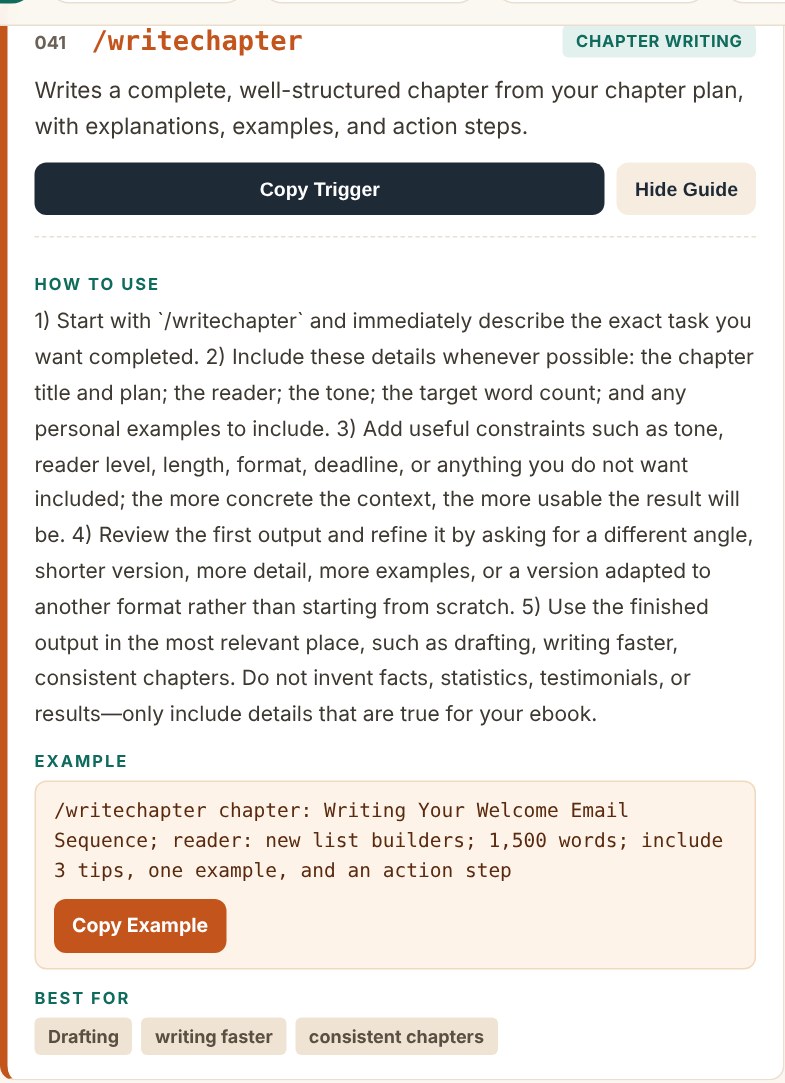
Anyone could hand you 100 words with a slash in front. That wouldn’t help you much. Every trigger in this library comes with its own mini-guide:
Lead magnets, list-building guides, newsletter starters, launch playbooks, content systems, video guides — plan and draft the ebooks your audience actually wants. You bring the topic, the triggers bring the structure.
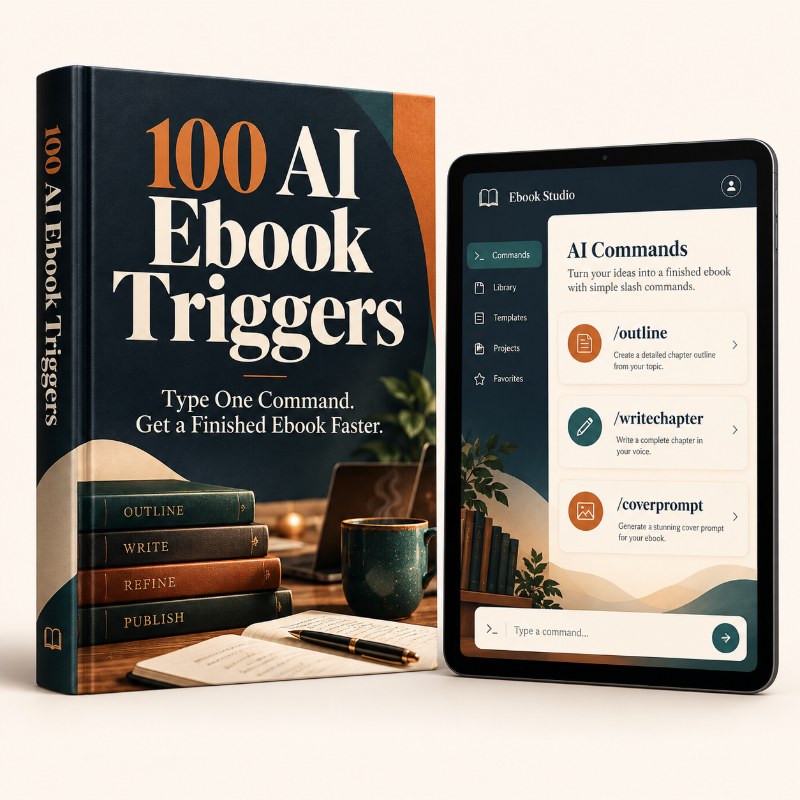
Illustration of the kinds of ebooks you can plan and draft. Covers shown are examples.
Open it in any browser, even offline. Search by keyword, filter by category, open a guide, copy, done.
If you can copy, paste, and describe what you want to write about, you can use this library.
Get everything today for a one-time payment of
Instant access • No subscription • Works with ChatGPT, Claude & Gemini
Use the library in your own work — and, under the included PLR license, you can also:
All uses are subject to the exact permissions and restrictions in the included PLR license.
Open the library, try the triggers, start your ebook. If you don’t feel it helps you work faster and more clearly with AI, just contact support within 14 days for a full refund. No hassle.
No. Triggers are memorable, user-created slash commands. The slash format makes each task easy to recognize and reuse. They don’t unlock hidden features — they give the AI a clear, focused instruction.
You type the trigger plus a few details about your topic, reader, and goal. Every trigger has a guide and an example showing exactly what to add.
ChatGPT, Claude, Gemini, and other major conversational AI assistants. Free or paid accounts both work; paid plans usually allow longer outputs.
No. The library is a single file that opens in your web browser, even offline. You copy and paste into the AI assistant you already use.
Yes. The library is organized in the order you create an ebook, and each trigger explains what to provide.
No tool can promise that. The triggers give you a much clearer starting point and a faster workflow. You should still review, fact-check, and add your own knowledge.
You can rebrand and use the library according to the permissions in the included license. Please read the license file for the exact terms.
100 triggers. 100 guides. 100 examples. One organized place to go from blank page to finished ebook.
Get Instant Access for $9.99 →14-day money-back guarantee • PLR included